
The hidden world around you.
Virtual Dimensions
of Geographical Objects
Snap a pic. Pin a note. It stays anchored to that location, hidden in a virtual public or private dimension. When your intended audience arrives they view it on their phone.
Available now on iOS. Android coming soon.
Own a place on the map
Restaurants, venues, museums, and shops: claim your location, get a verified badge, pin always-visible drops, run branded scavenger trails, and see who's discovering you. $29/month, everything included.
Claim your business →How it works
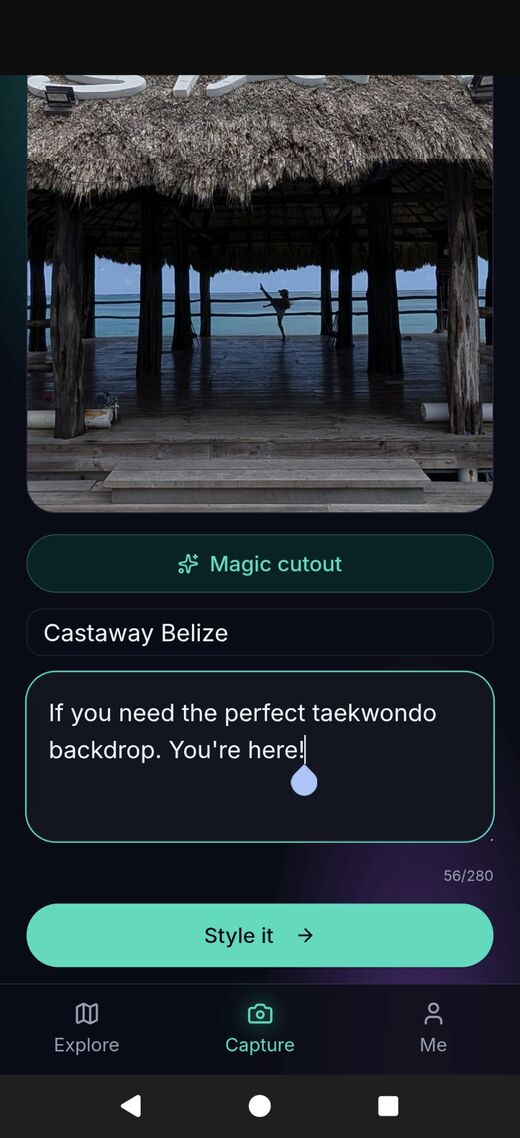
Capture
Snap a pic of a place, take a selfie, or upload a pic to pin to the spot.
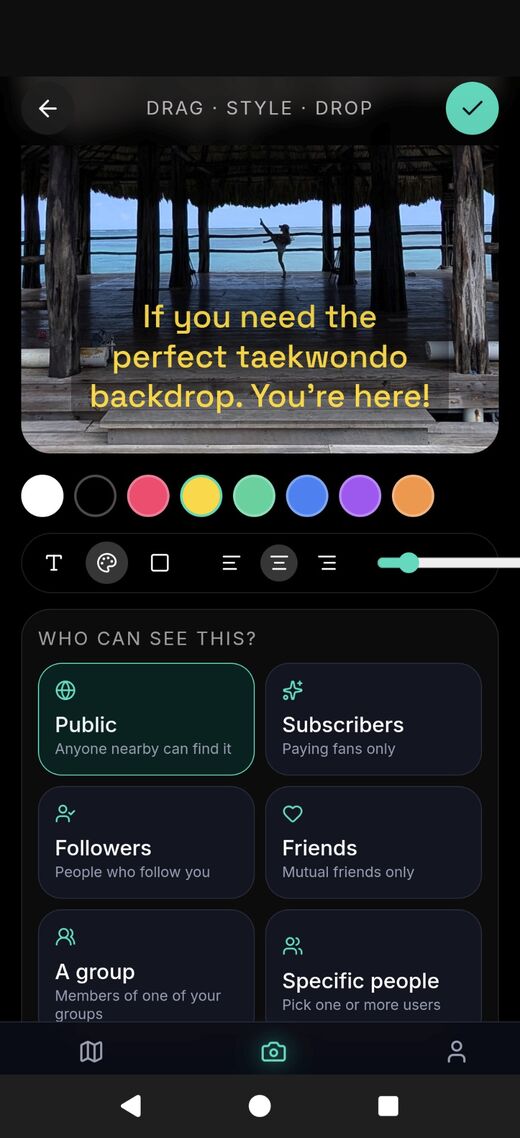
Compose
Add a note and style it. Pick who can find it. Make it easy or leave hints.
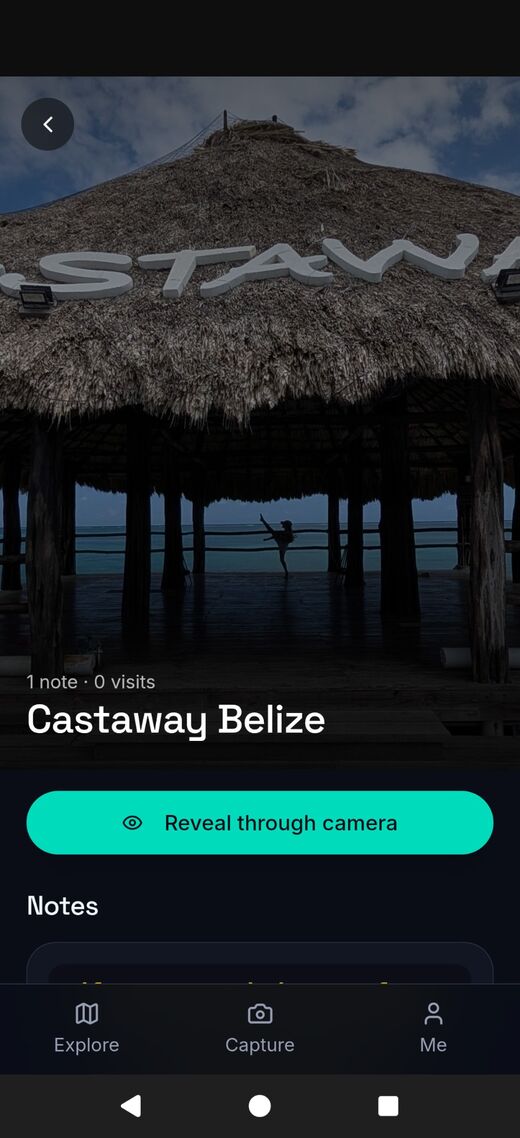
Reveal
Your audience arrives and sees your note through their phone.
What people share
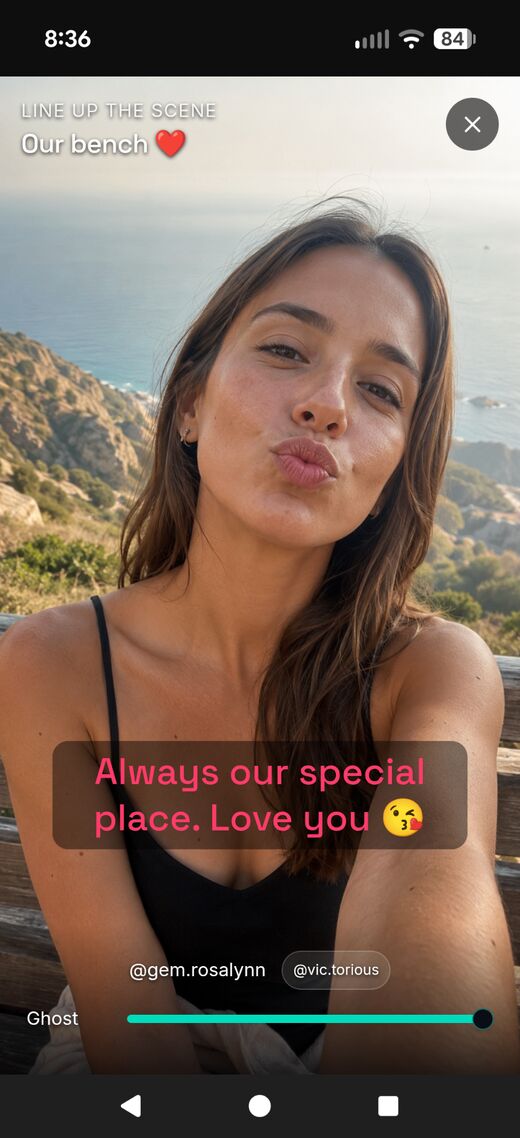
Love notes
Mark the bench where it started. Surprise them when they walk past.
Scavenger hunts
Build a trail of clues across a city for a birthday, company event, or a brand.
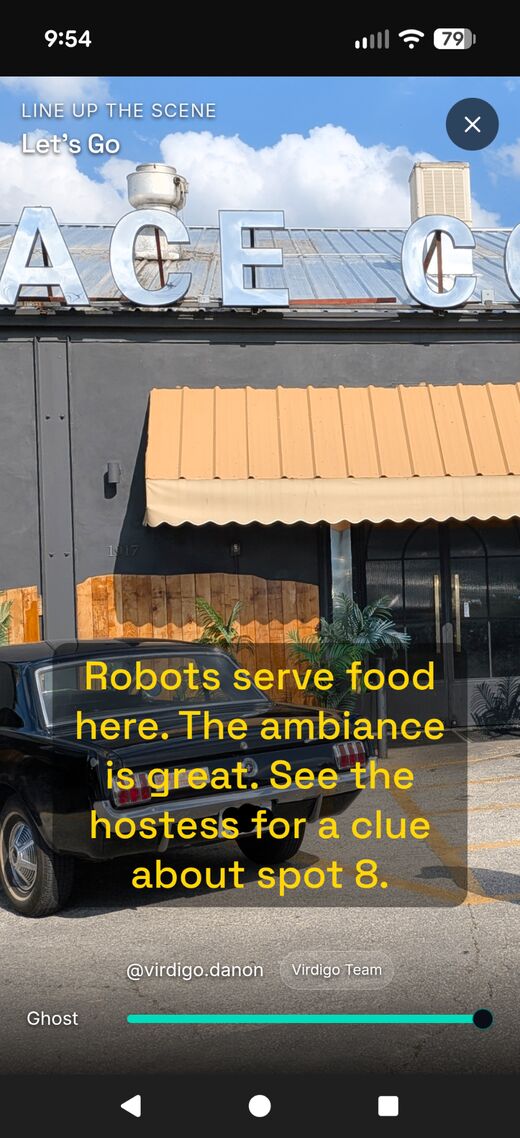
Hidden gifts
Discounts, promotions and reasons to visit your business in person.
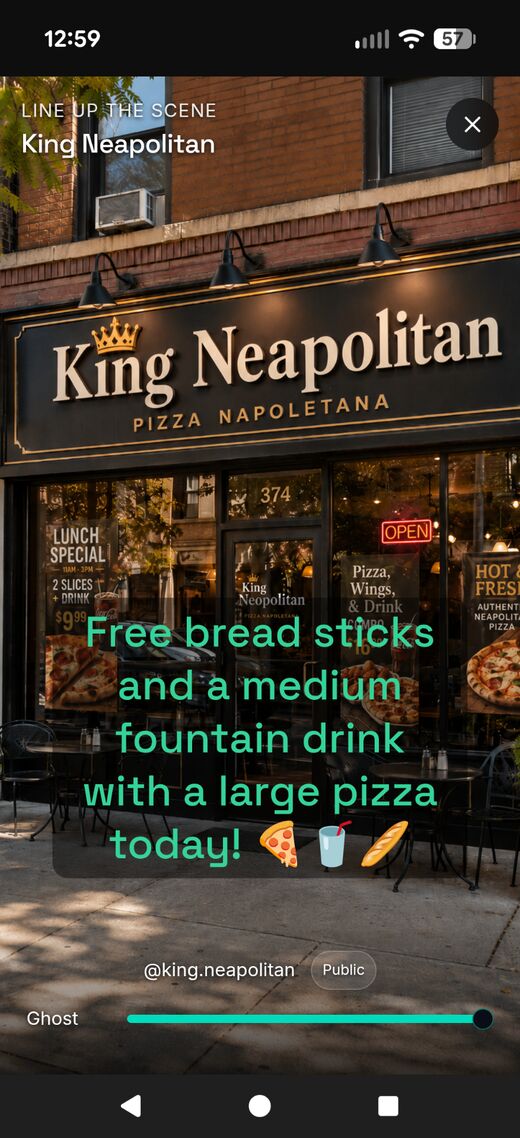
Local secrets
Recommend the perfect table, view, or bookshelf, anchored to the spot.
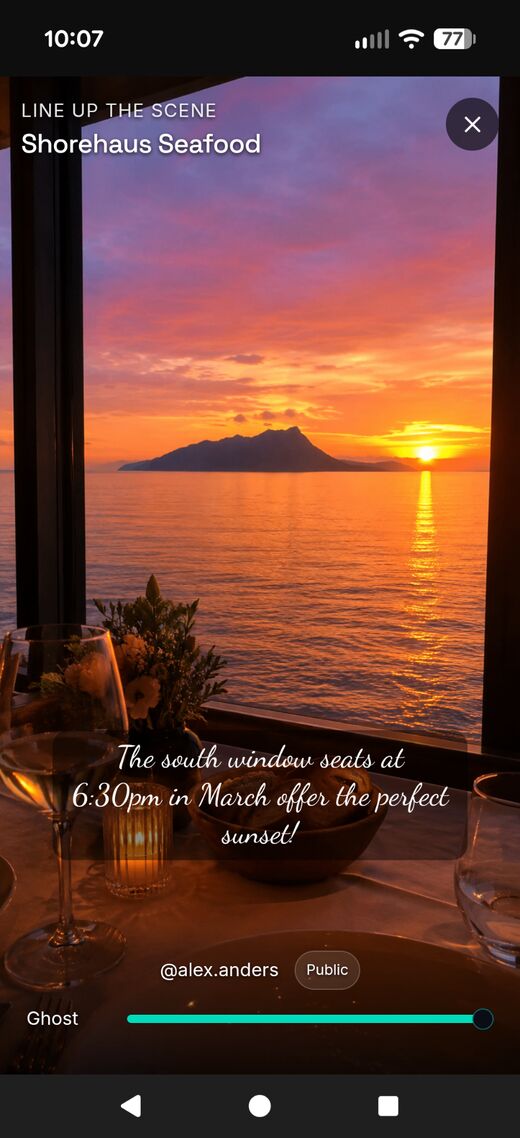
Inspiration
Leave some motivation for passing strangers to brighten their day.
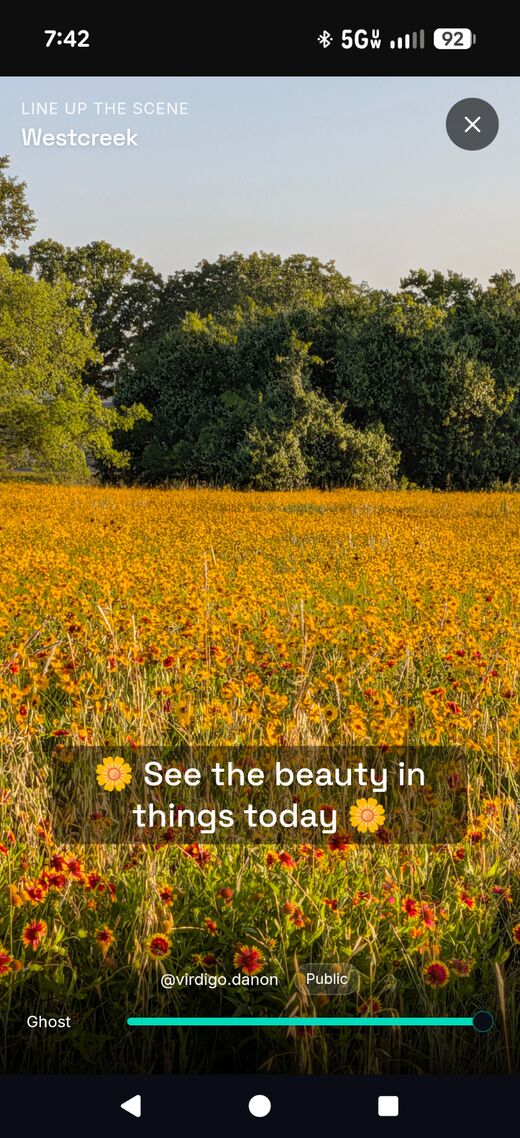
Personal Brand
Creators build your following, use your likeness and partner with locations.
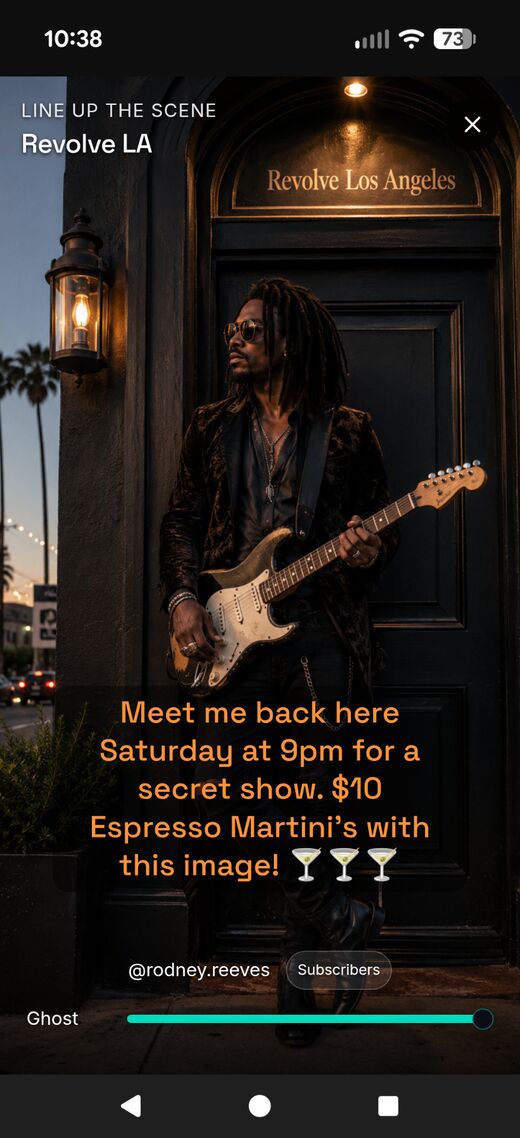
Echo back
Proof you found the note and Virdigo's way to respond back.
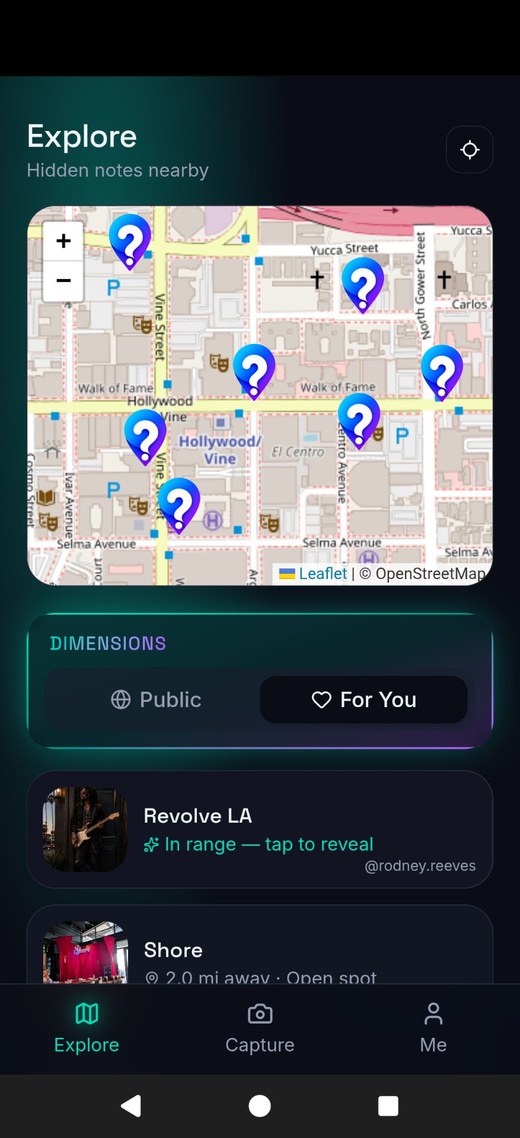
1. Discover
Find hidden notes near you on the Explore map.
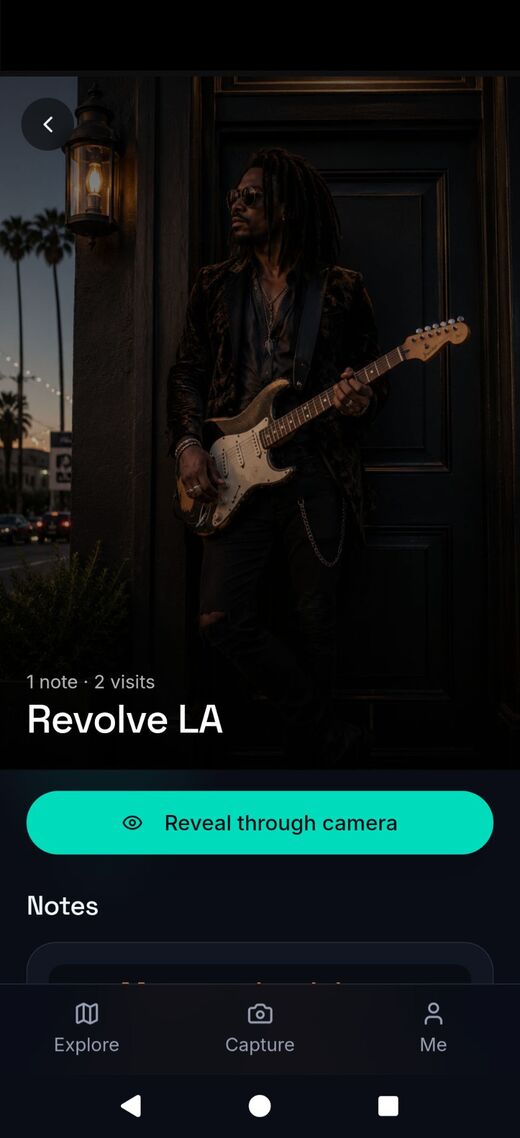
2. Reveal
Stand in the spot and reveal the note through your camera.
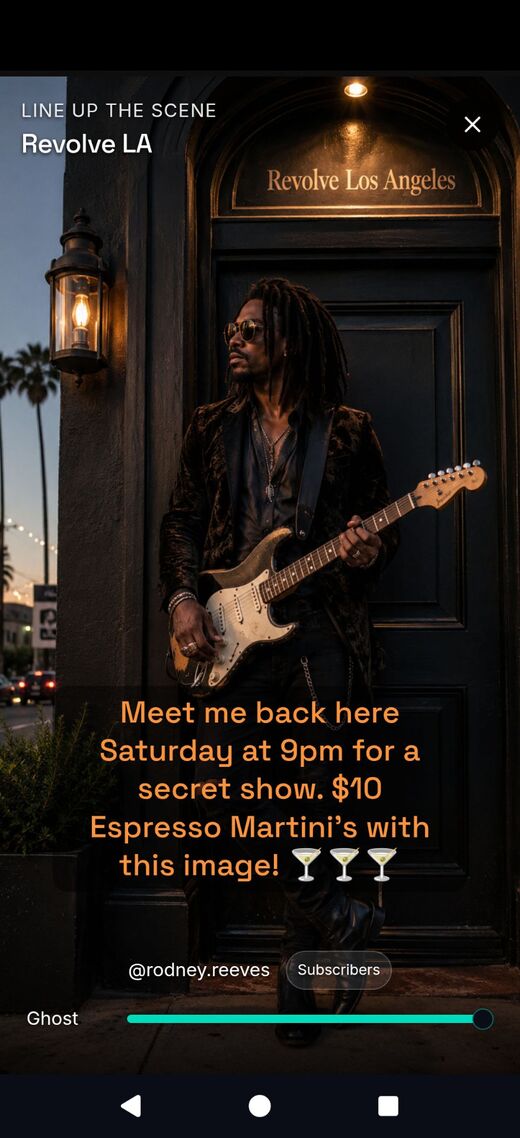
3. Read
See the creator's message line up with the real scene.
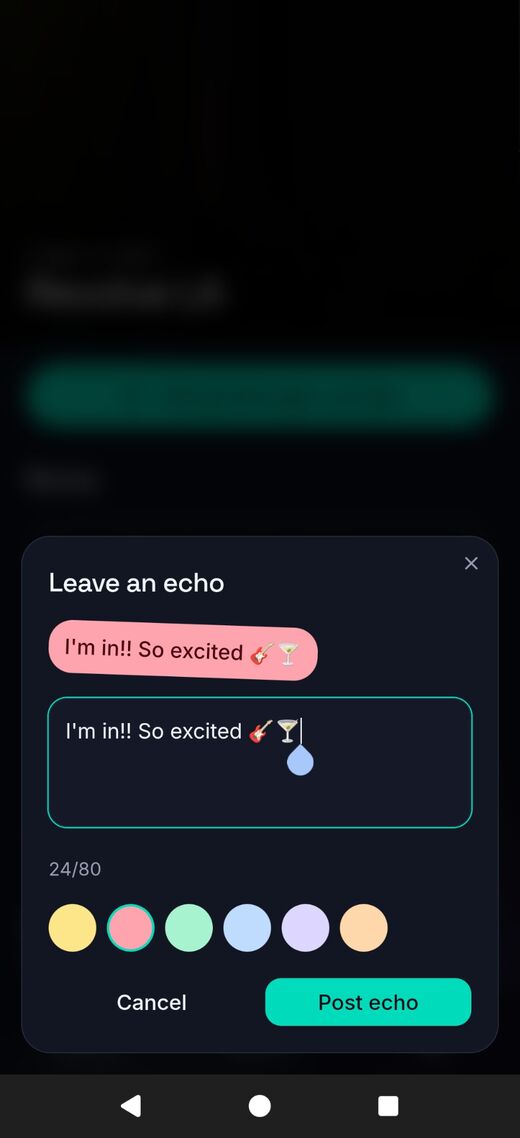
4. Echo
Leave a sticker reply — proof you were really there.
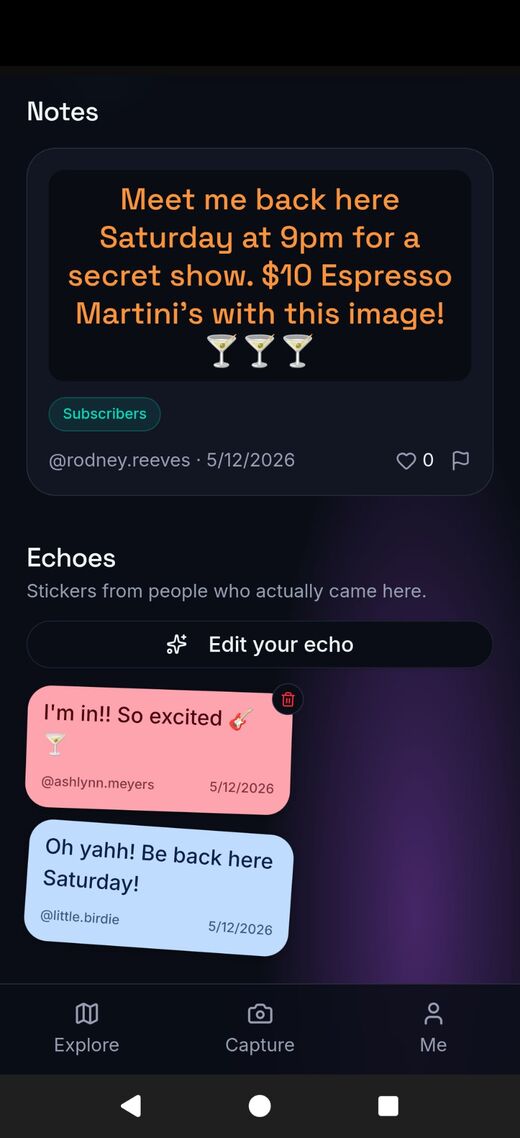
5. Connect
Echoes stack on the note for the creator and crew to see.
Built with location safety in mind.
Pinning content to real places is powerful, and we treat it that way. Virdigo strips GPS metadata from photos on upload, lets you keep spots private to chosen friends, blocks drops at schools and other restricted facilities, and warns you before pinning near hospitals, places of worship, shelters, or government buildings. You can also set a private "home zone" so you don't accidentally pin at your own address. Screenshotting and re-sharing other people's private content can lead to account removal.
FAQ
A few quick answers.
When can I download Virdigo?+
We're polishing the iOS and Android apps for launch. Tap an app store badge above to be notified when it goes live.
Do I have to be at a place to leave a note?+
Yes. Pins are anchored to where you stand when you capture them — that's the whole point. No couch-pinning.
Who can see what I pin?+
You choose for each pin: specific friends, a group, your followers, or the world. Private pins stay hidden on the map.
Is my location stored?+
Pin coordinates are stored so the app can reveal them at the right place. Your live location is never broadcast to other users.
What if someone misuses it?+
Report the pin or user from inside the app. We remove content that targets homes, harasses people, or violates our Terms.